 AlpacaKeep
Puoi allegare file a un animale, così i documenti restano insieme all'animale a cui appartengono. Certificati BVDV, documenti di registrazione, PDF di laboratorio e ricevute stanno tutti nello stesso posto. Li aggiungi dalla scheda Archivio dell'animale. Puoi anche allegare una ricevuta a una voce finanziaria.
Passaggi
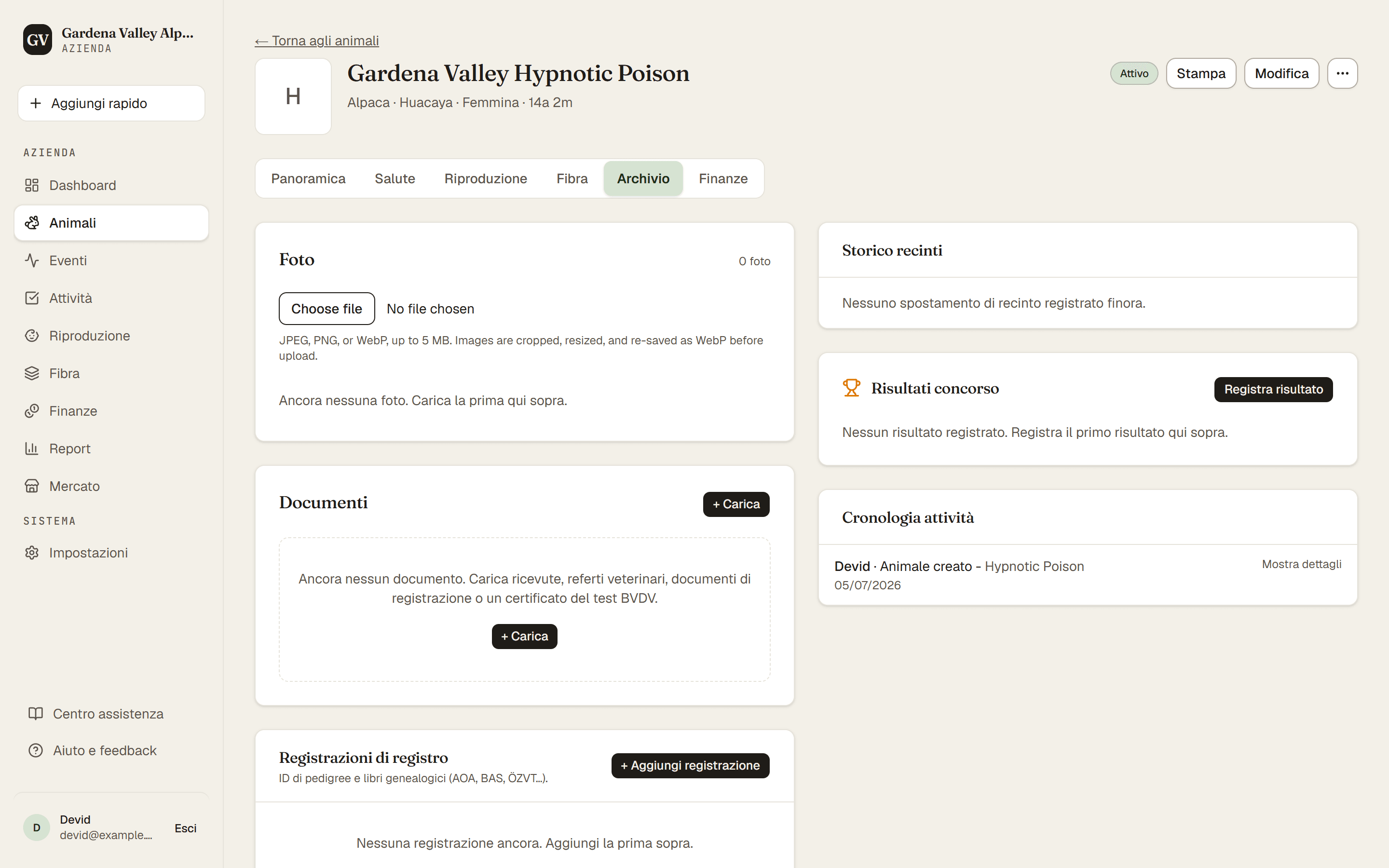
- Animali → (apri un animale) → scheda Archivio. È qui che trovi Foto, Movimenti, Documenti e Registrazioni di registro. I risultati dei concorsi hanno una loro scheda, Concorsi.
- + Carica. Nella sezione Documenti, premi + Carica, dai al documento un Titolo, scegli il file e indica il Tipo di documento.
- Carica. Premi Carica nella finestra. Il documento compare ora nella scheda Archivio di quell'animale.
Per allegare invece una ricevuta, apri la voce finanziaria e usa la sua opzione Ricevuta / documento. (Le finanze sono riservate a Proprietario e Co-proprietario, e allegare ricevute alle voci è incluso dal piano Farm in su.)
Buono a sapersi
- I tipi di documento (come "Test BVDV" o "Certificato di registrazione") si gestiscono in Impostazioni → Tipi di documento. Puoi usare quelli già pronti o aggiungerne di tuoi.
- Lo spazio conta sul tuo piano. Ogni file che carichi occupa un po' dello spazio del tuo piano. Il Proprietario vede quanto ne è usato, e il limite, in Impostazioni → Fatturazione. I piani più grandi ti danno più spazio.
Suggerimento. Carica il certificato BVDV e collegalo allo stato BVDV dell'animale. Così la prova resta accanto al risultato, comodo quando vendi.