 AlpacaKeep
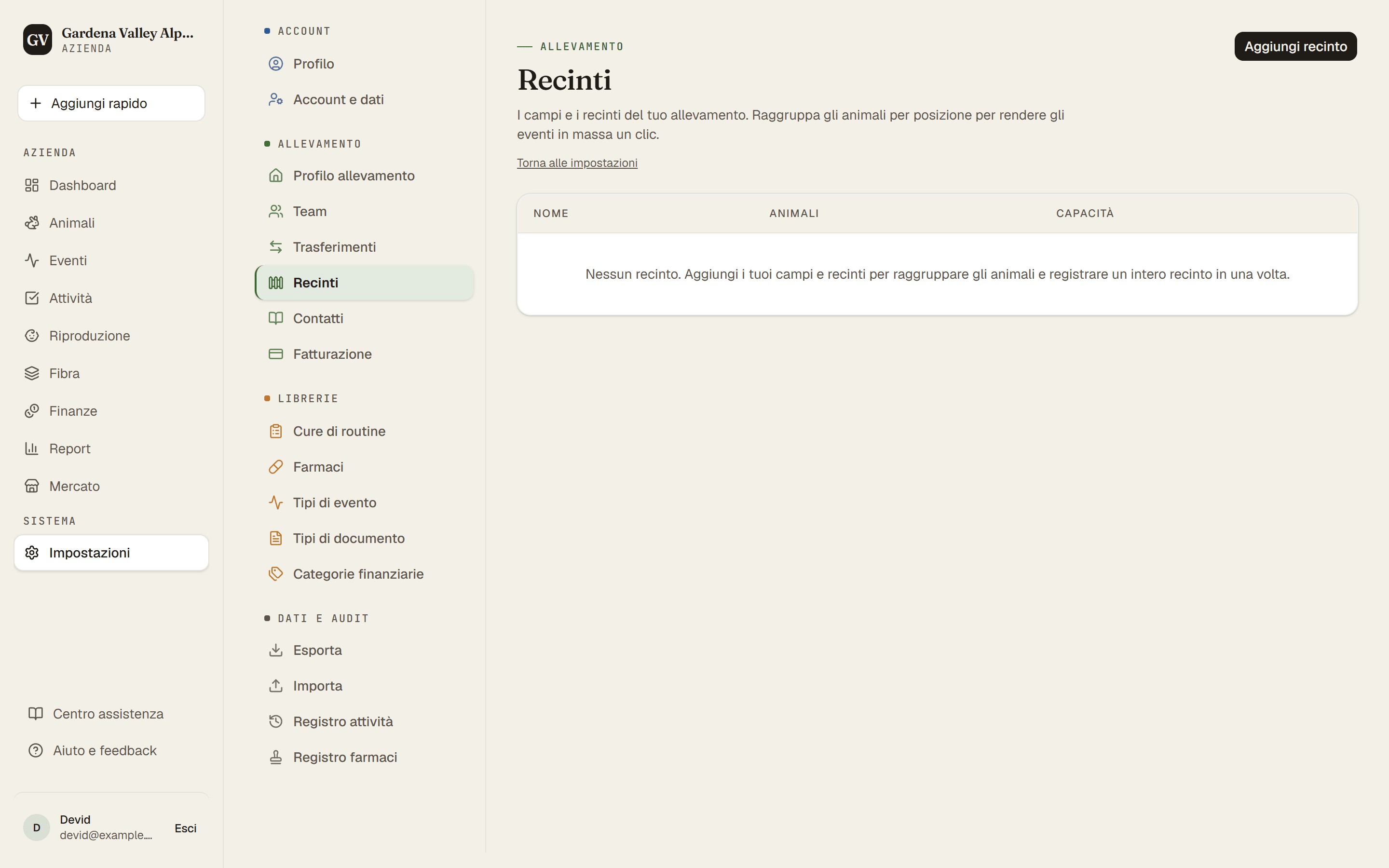
I recinti sono i tuoi campi e pascoli dentro AlpacaKeep. Dai loro un nome in Impostazioni → Recinti, poi spostaci dentro gli animali. È così che tieni traccia di chi si trova dove.
Passaggi
- Impostazioni → Recinti. Aggiungi un recinto per ogni campo o pascolo e dagli un nome (come «Recinto Nord»).
- Animali → (apri un animale) → scheda Panoramica. Usa Sposta nel recinto per mettere l'animale in uno dei tuoi recinti.
- Fatto. L'animale ora mostra in quale recinto si trova, e il recinto sa chi ci vive.
Perché è utile
- Sapere chi è dove a colpo d'occhio.
- Routine di recinto. Quando avvii una routine per un intero recinto, AlpacaKeep può usare gli animali che vivono in quel recinto in quel momento. Così «Rabbocca il secchio dei minerali» può valere in una volta sola per tutti quelli del Recinto Nord.
Suggerimento. Non devi per forza impostare prima i recinti. Mentre aggiungi un animale, puoi creare un recinto direttamente sul modulo e metterci dentro l'animale nello stesso momento.
Spostare un gruppo. Nella pagina Animali, spunta gli animali (sul telefono tocca prima Seleziona), poi scegli Sposta nel recinto nella barra in basso. Sul telefono lo trovi sotto Altro. Gli animali che sono già in quel recinto restano dove sono.
Un recinto che non usi più? In Impostazioni → Recinti, scegli Nascondi. Sparisce da tutti i menu e i filtri, lo storico degli spostamenti resta e puoi farlo tornare con Mostra quando vuoi. Elimina funziona solo per un recinto che nessun animale e nessuno spostamento usa.