 AlpacaKeep
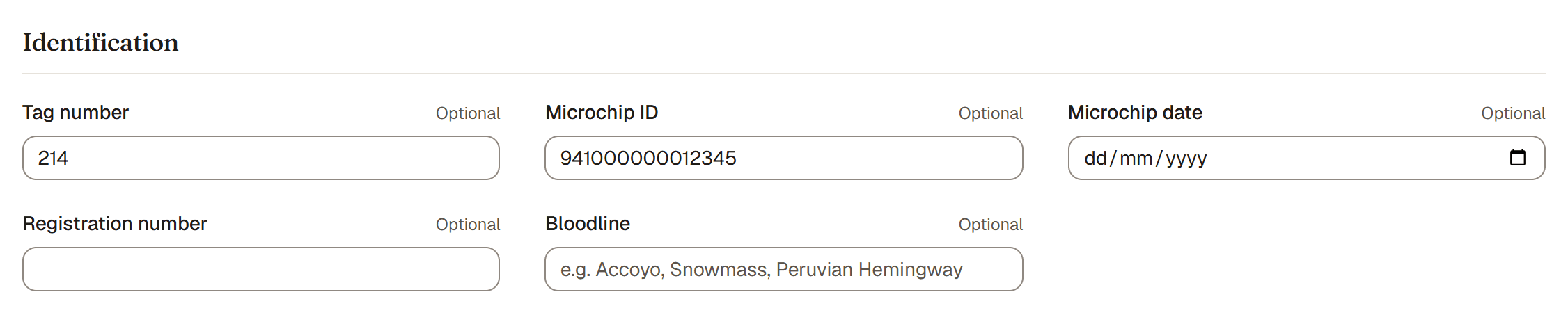
When you add or edit an animal, the Identification section holds the official ways to name and find it. Every one of these is optional, the numbers and names are searchable, and you can add any of them later.
The fields
- Tag number. The ear tag or barn number you use day to day. Often the quickest way to find an animal in a hurry.
- Microchip ID. The chip number under the skin. There's also a Microchip date for when it was implanted. The chip is the most reliable lifelong ID.
- Registration number. The number from the breed registry the animal is registered with.
- Registered name. The full name on the animal's registration papers, shown everywhere the animal appears (herd list, profile, pedigree, sale page, PDFs). It sits next to the everyday Name, in the Basics section, and is pre-filled with your farm's Name prefix as a suggestion while you type the Name; edit it if the papers say something else, or leave it blank if the animal isn't registered. For example, the everyday Name might be "Willow" while the Registered name is "Gardena Valley Willow's Frost."
- Bloodline. The foundation breeding line, like Accoyo or Snowmass. There's a whole article on this; see Bloodline and fiber type.
Good to know. None of these are required to save an animal. Add what you have now and fill in the rest whenever the paperwork catches up.
Tip. Because the numbers are searchable, entering the microchip or tag means you can pull up the right animal from a scanner reading or a barn tag in seconds.