 AlpacaKeep
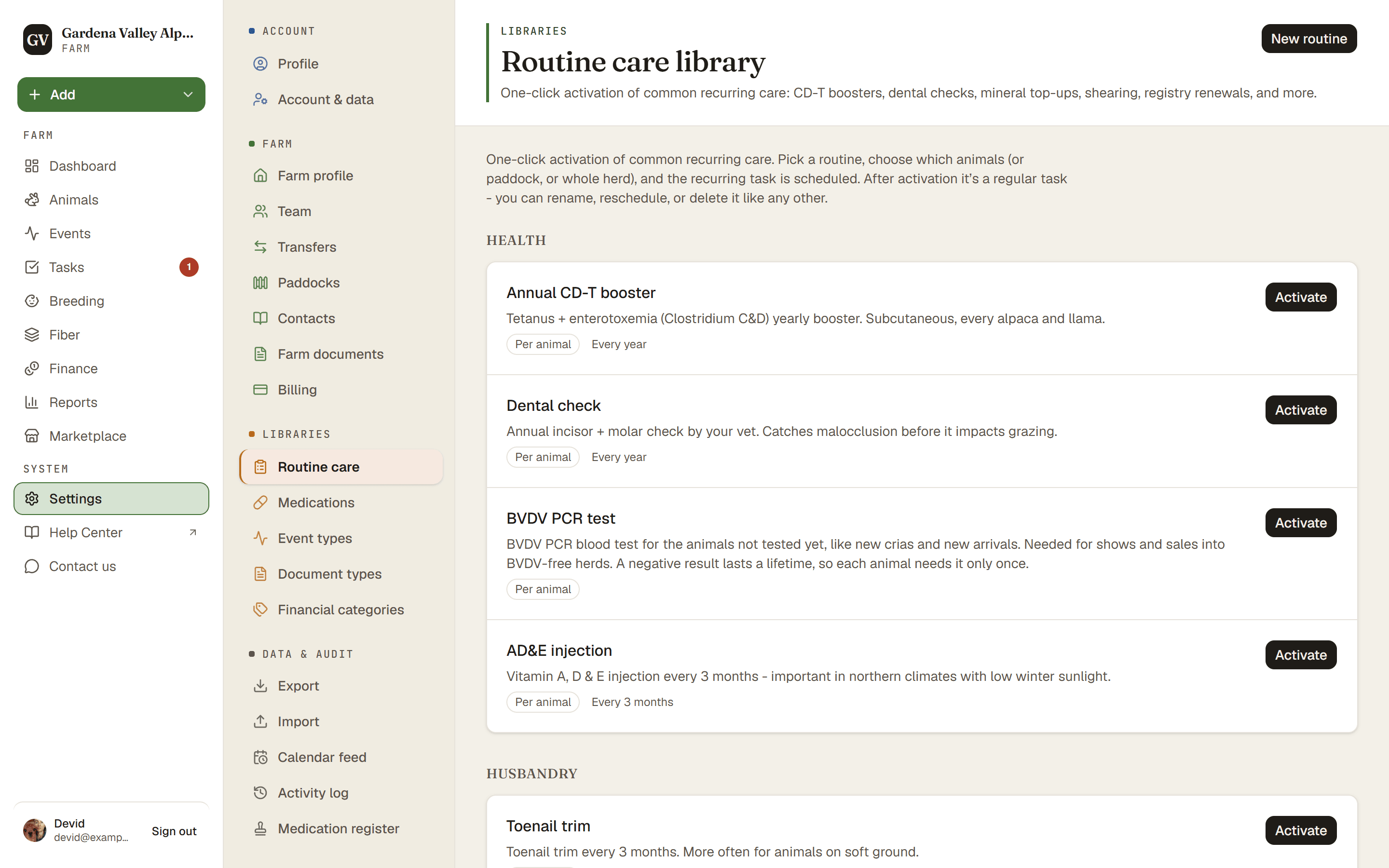
A routine is a saved task you can reuse. Go to Settings → Routine care to see them. AlpacaKeep gives you 12 ready-made routines, and you can add your own.
Why routines
Some jobs come up again and again, like a yearly vaccination or a monthly nail trim. Instead of typing the same task each time, save it once as a routine. Then turn it into real tasks in one click whenever you need it.
Steps
- Settings → Routine care (or Tasks → ⋯ → Routines). You see the 12 ready-made routines plus any you have saved. Your own routines carry a Farm badge so they are easy to spot.
- New routine (optional). Give it a Routine name, choose who it Applies to and, if you like, how often it Repeats. The 12 ready-made ones stay read-only, so you cannot edit them.
- Activate. Press Activate on a routine. What it asks for depends on who
the routine applies to:
- Per animal makes one task for each animal you pick.
- Per paddock makes one task and snapshots the animals in that paddock right now, so later moves do not change it.
- Whole herd makes one task for the farm.
- Done. The new tasks show up on your Tasks list, ready to work.
Good to know. When you activate a routine for a paddock, the paddock name is added to the task title, so two paddocks read differently.