 AlpacaKeep
You can invite family and helpers to your farm and give each person a role. The role decides what they can do and whether they can see money. You manage all of this on Settings → Team.
Steps
- Settings → Team. Open the Team page.
- Invite by email. Press Invite member and enter the person's email address.
- Pick a role. Choose Co-Owner, Farmhand, or Viewer (explained below). You cannot invite someone as Owner. There is one Owner, and ownership changes only by transferring it (see below).
- Create invitation link. AlpacaKeep does not email the invite for you. Press Copy link and send it to the person yourself, by WhatsApp, email, or any other channel. The link is one-time and expires.
If the link goes astray, the invitation is not lost. Anyone who signs up or signs in with the address you invited, in any capitalisation, finds it waiting under Invitations, and can accept it from there without any link at all. So a mistyped address is worth fixing: press Get new link on the pending invitation to correct it.
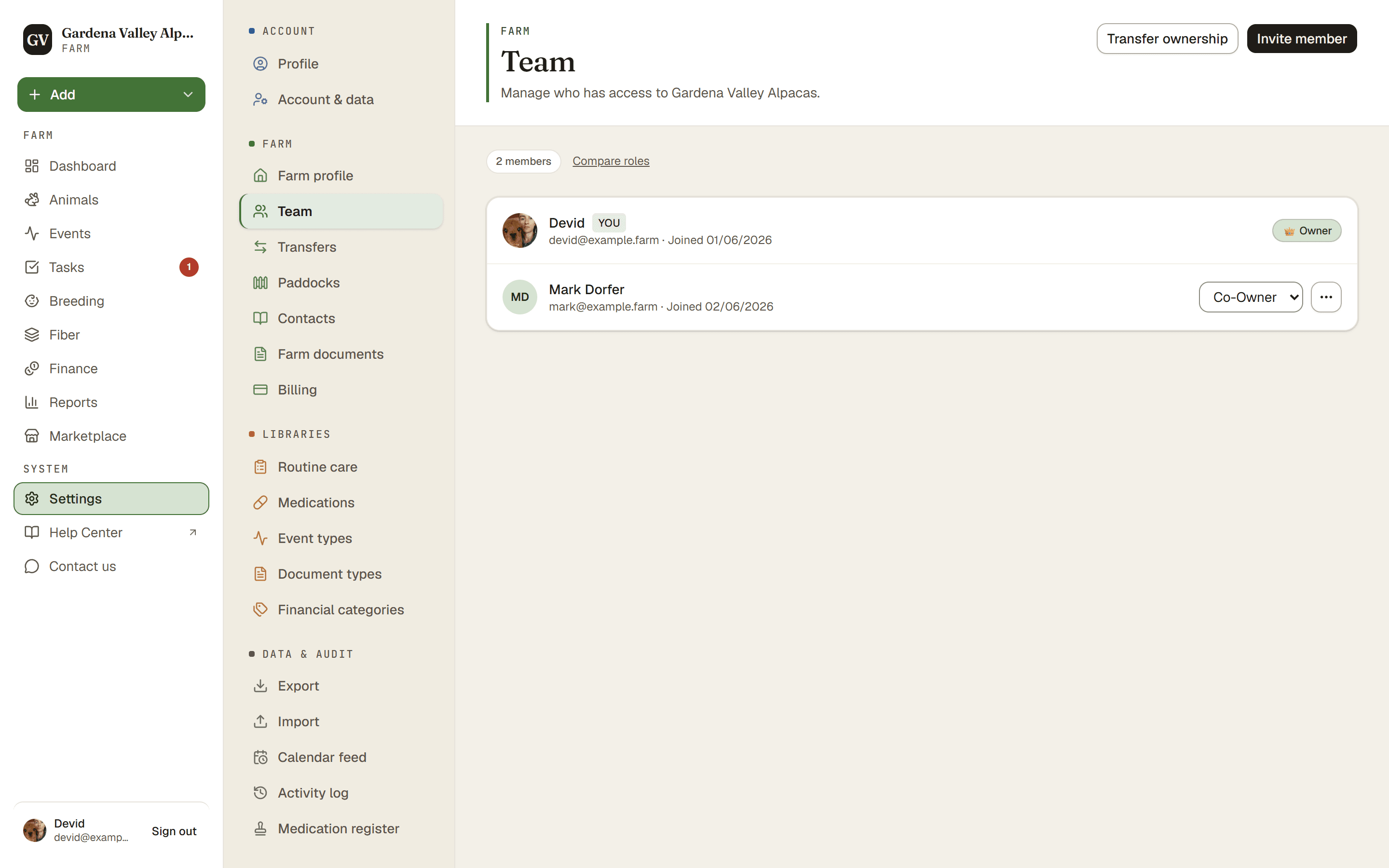
The four roles
What that means in plain terms:
- Owner. Runs the farm. Can do everything, including billing and the settings only the Owner can touch.
- Co-Owner. Almost everything the Owner can do. Can do the daily work and can see money (income, expenses, purchase and sale prices).
- Farmhand. Does the hands-on work: animals, events, tasks, breeding, weights, and so on. Cannot see any money.
- Viewer. Can look at the farm's non-money information but cannot change anything.
Good to know. Only the Owner and Co-Owner can see Finance, sale and purchase prices, and insured values. This is enforced behind the scenes, not just hidden, so a Farmhand or Viewer cannot reach it any other way.
Watch out. Transferring ownership of the farm to someone else is something only the Owner can do.