 AlpacaKeep
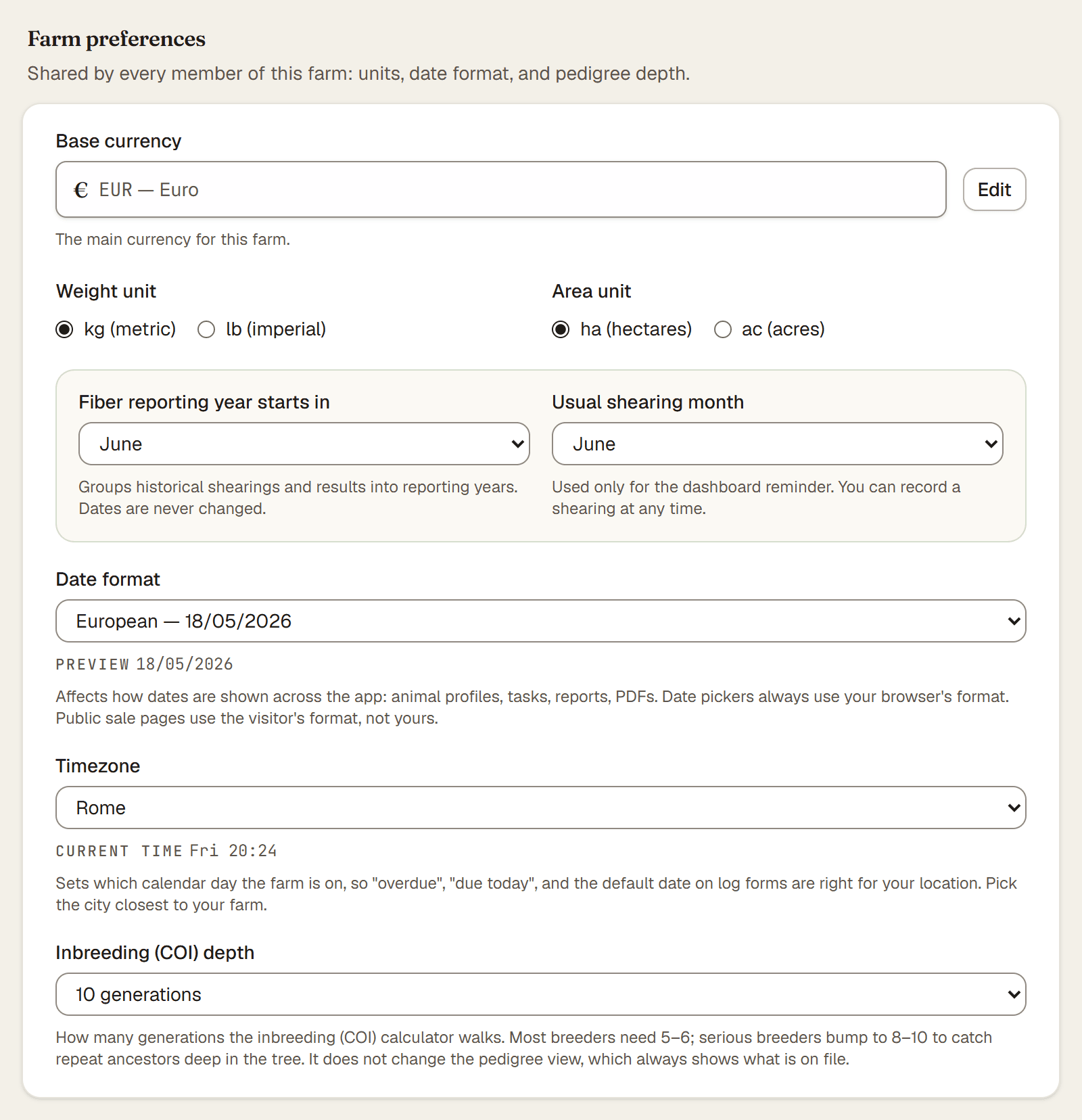
Four settings control how AlpacaKeep shows weights, dates, today, and money. You set them once on Settings → Farm profile. They are farm-wide, so everyone on your farm sees the same choices, not a personal setting per person.
The four settings
- Weight unit. Choose kg (metric) or lb (imperial). AlpacaKeep always stores weights the same way underneath and just shows them in your unit, so switching never changes the real numbers. Medicine dose units like mg and ml stay as they are.
- Date format. Choose how dates are written across the app.
- Timezone. Choose your farm's time zone. This decides which calendar day counts as "today," which drives what shows as due today, overdue, due this week, and the gestation watch. If tasks look due on the wrong day, check this first.
- Base currency. Sets the currency used for all money in the app. Only the Owner can change this one. Changing it does not convert your amounts, it only changes the currency symbol.
Steps
- Settings → Farm profile. Open the Farm profile page. Only the Owner and Co-Owner can edit it.
- Set each one. Pick your weight unit, date format, and timezone. If you are the Owner, change the base currency with Edit next to it; that change is saved on its own.
- Save changes. Your choices apply across the whole farm right away.
Good to know. Because these are farm-wide, your Farmhands and Viewers see the same units and dates you do. If different people genuinely need different languages, that is a separate, per-person setting on Settings → Profile.
Watch out. The time zone is more than cosmetic. It is what makes "today" correct, so set it to where your farm actually is before you rely on due and overdue dates.