AlpacaKeep
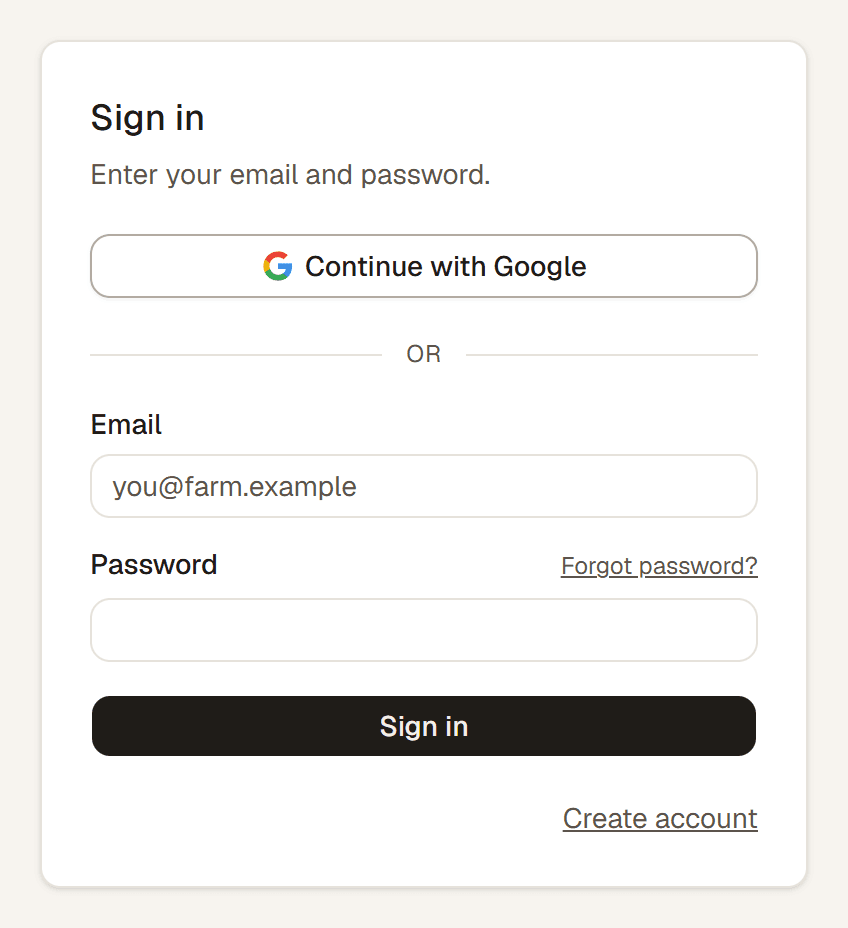
There are two ways to sign in to AlpacaKeep: with your email and password, or with Continue with Google. Both buttons are on the sign-in and sign-up screens, and it is the same account either way.
Email and password
Enter the email and password you signed up with. Forgot the password? Use Forgot password? on the sign-in screen and we send a reset link to your email. The email also has an 8-digit code: type it on the screen that asks for it, handy when the email is on your phone and AlpacaKeep is open on your computer.
Continue with Google
Press Continue with Google and pick your Google account. No AlpacaKeep password to remember. Google confirms it is you.
Good to know. Google sign-in matches on your email address. If you signed up with email and password and later press Continue with Google with the same address, you land in the same account with all your animals. Nothing is duplicated.
Which should I use?
Whichever you prefer. If your farm email is a Gmail or Google Workspace address, Continue with Google is the quickest. If you share a device or do not use Google, email and password works just as well.
Watch out. If you only ever sign in with Google, you do not have an AlpacaKeep password, so the Forgot password? reset is not the door back in. Just press Continue with Google again.